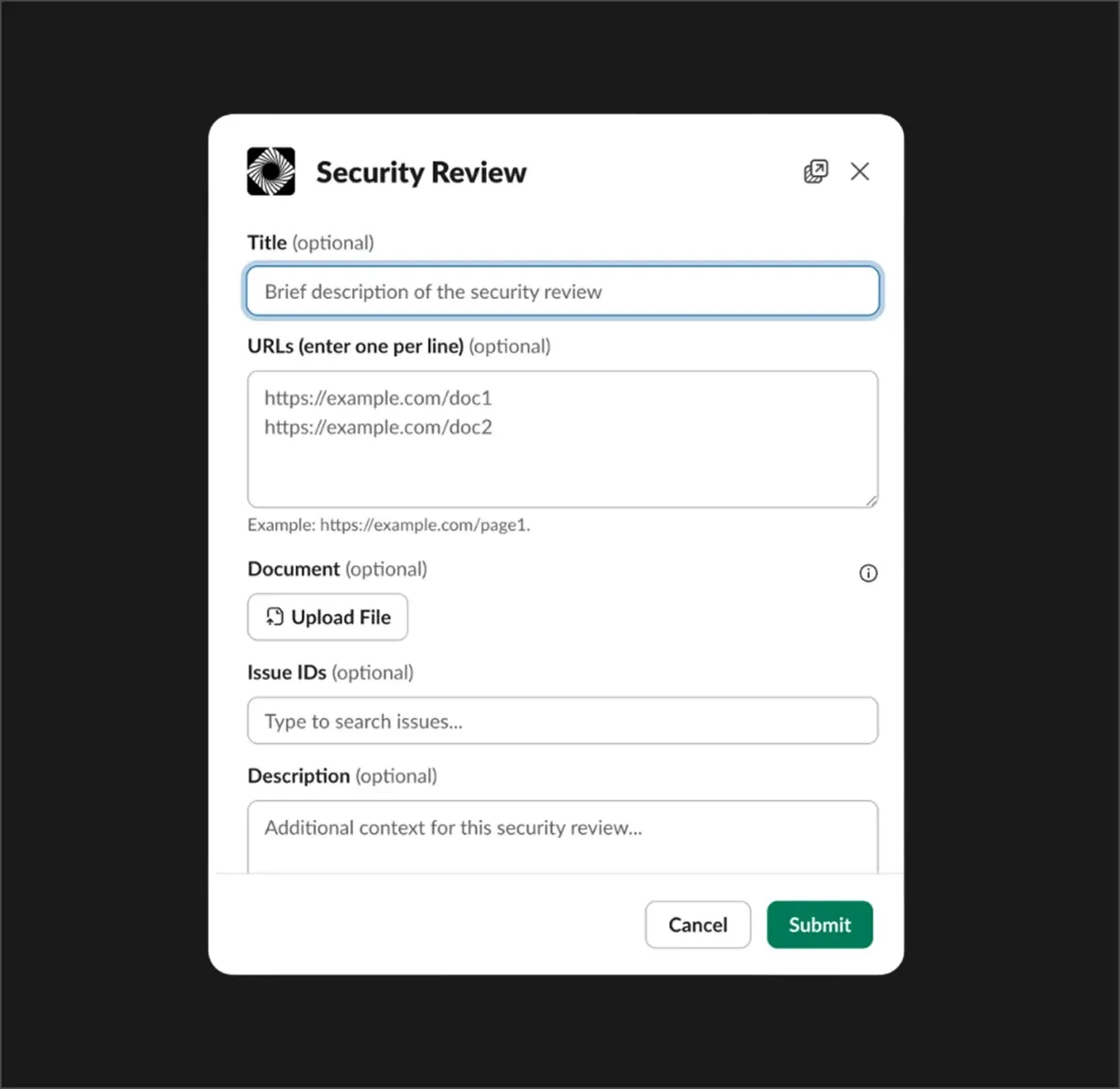
Use the /security-review command to open a dedicated submission form. Provide URLs, upload design documents, or link existing issues to get expert security feedback integrated with your workflow.
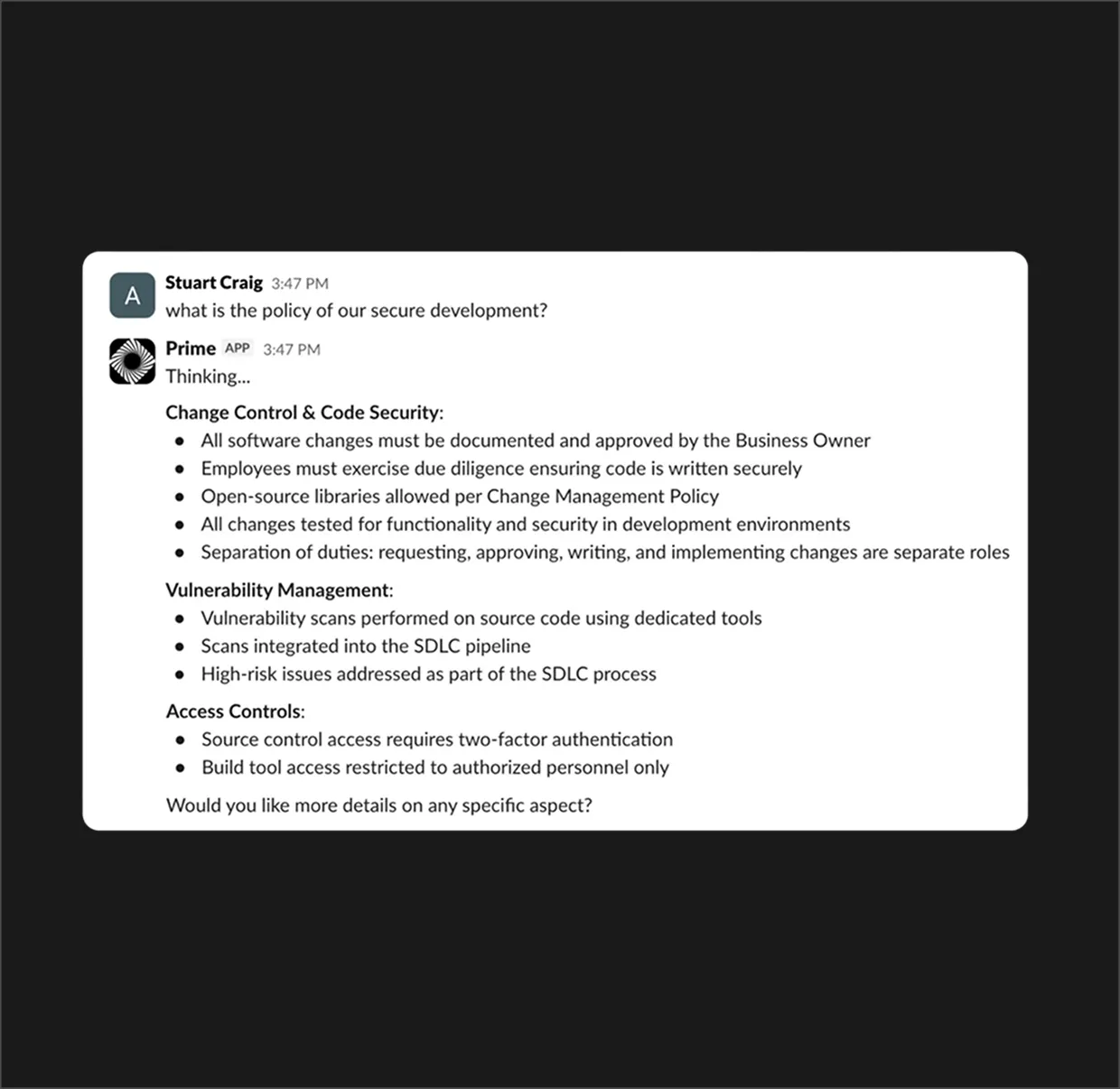
Get instant answers to security-related questions. Mention Prime or message it directly to query your internal knowledge base and receive actionable guidance in seconds.
Quickly start fresh security-focused chats using the /new_chat command, ensuring your workspace stays organized and focused on the latest topics.
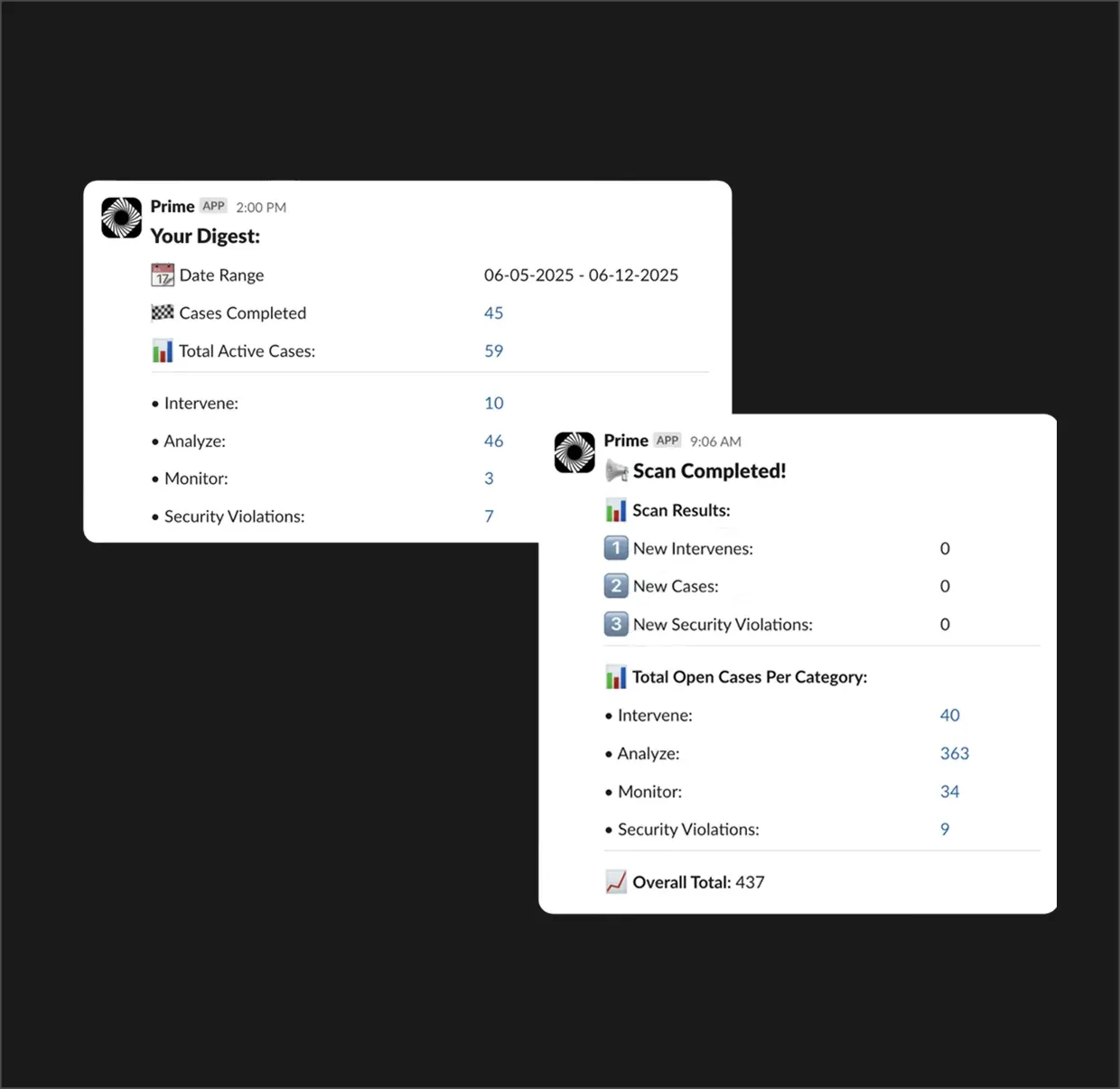
Stay on top of security cases and violations with real-time notifications. Dismiss or resolve alerts directly from Slack with one-click actions.
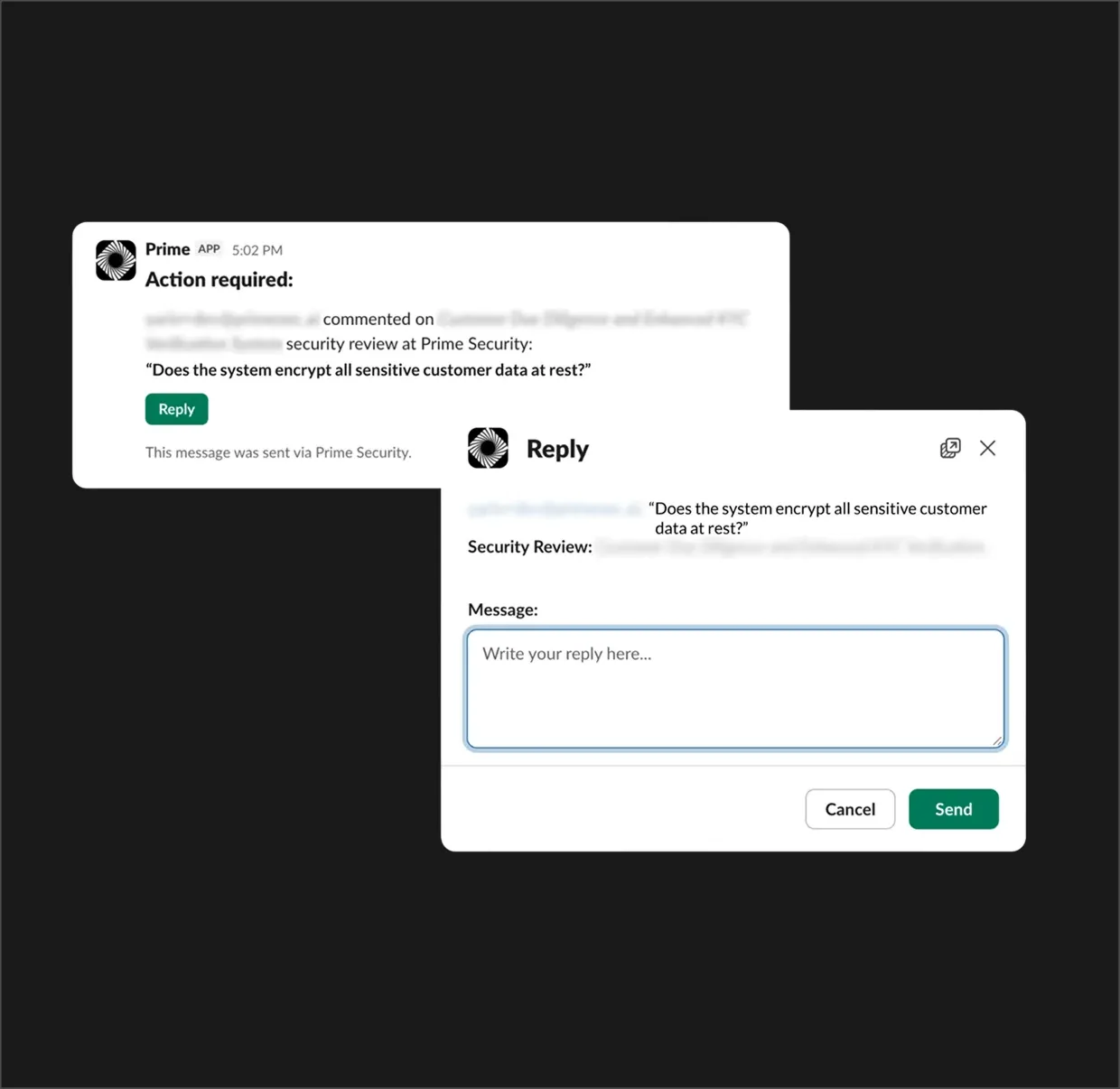
Close the gap between security and engineering. Reply to security review comments and share critical updates across channels effortlessly.
Use the /security-review command to open a dedicated submission form. Provide URLs, upload design documents, or link existing issues to get expert security feedback integrated with your workflow.
Get instant answers to security-related questions. Mention Prime or message it directly to query your internal knowledge base and receive actionable guidance in seconds.
Quickly start fresh security-focused chats using the /new_chat command, ensuring your workspace stays organized and focused on the latest topics.
Stay on top of security cases and violations with real-time notifications. Dismiss or resolve alerts directly from Slack with one-click actions.
Close the gap between security and engineering. Reply to security review comments and share critical updates across channels effortlessly.

Prime empowers teams to move fast without compromising security, making it easier than ever to build secure products by design.
KEY FEATURES
Security context, where you work.
Streamlined Slash Commands
Initiate comprehensive security reviews instantly with /security-review. Prime guides you through a simple submission process to capture project details and architectural context without breaking your workflow.
- Streamlined Slash Commands
- Instant triage and session creation

Participate in Threads
Keep your security context aligned. When a security reviewer or teammate leaves a comment on a review, Prime notifies the right stakeholders in Slack. Respond instantly via a native reply modal to keep the momentum going.
- Actionable comment notifications
- In-Slack reply modals for quick feedback
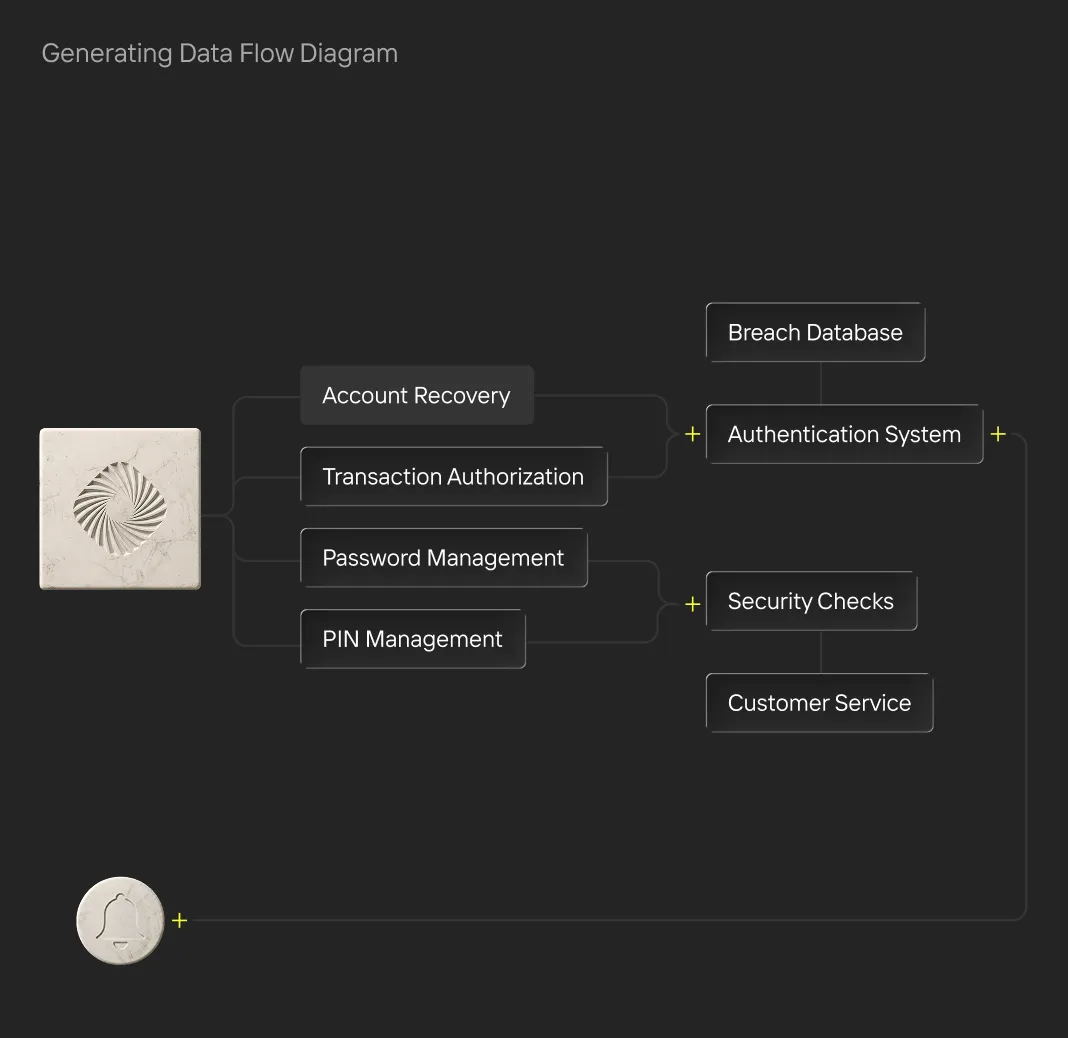
Policy Insights, Instantly
Ask questions about your company's security policies directly in the app conversation. The Prime Bot provides tailored answers using the full context of your internal security documentation and system settings.
- Agentic answers to complex policy questions
- Contextual awareness of your environment

Continuous Visibility
Prime provides automated summaries of your security posture. From daily digests of active cases to immediate scan results, your team stays informed without notification fatigue.
- Weekly & Daily Security Digests
- Real-time scan completion alerts
Query Your Intelligence
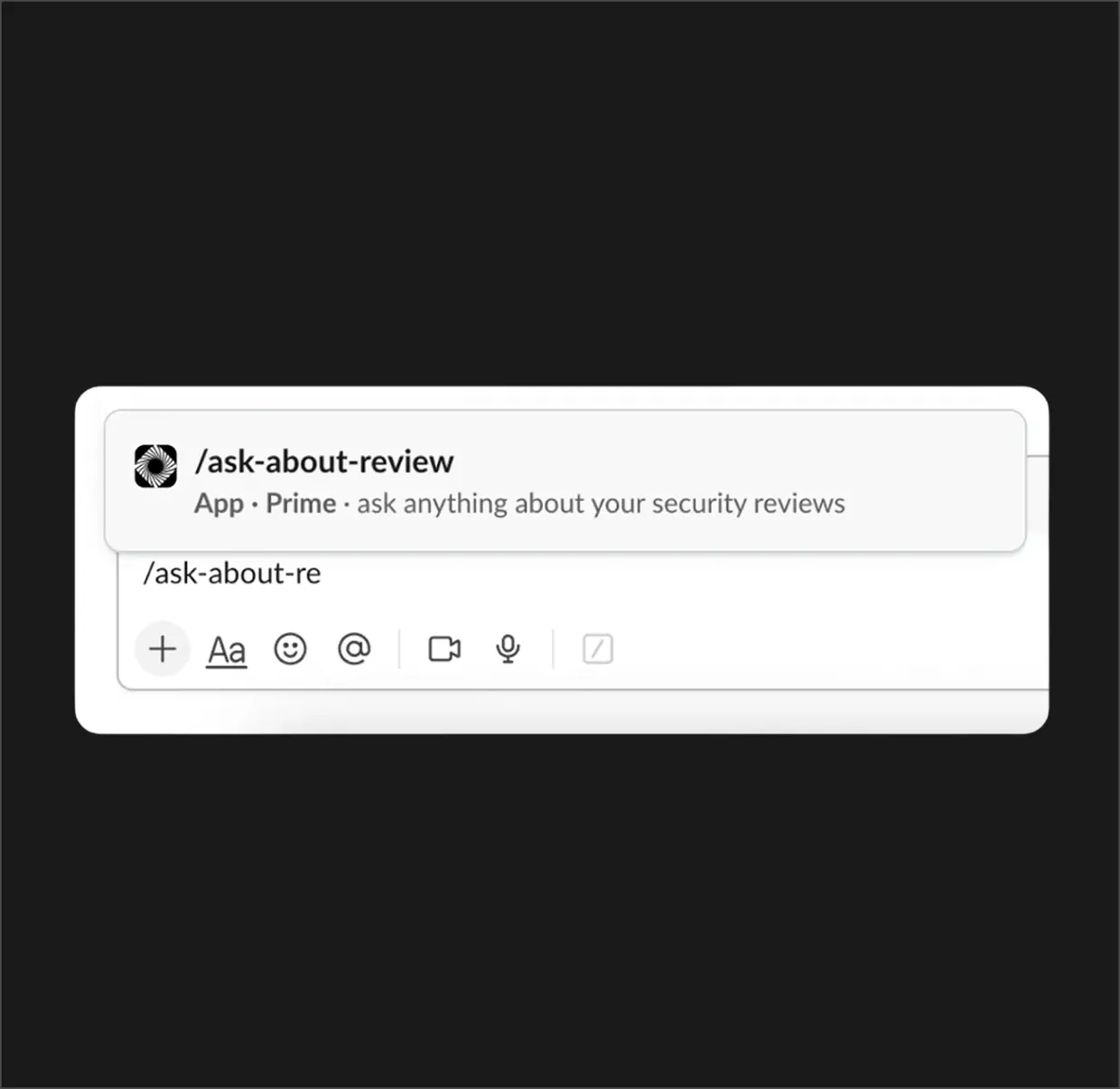
Need architect-level answers about a specific review? Use /ask-about-review to chat directly with Prime's engine regarding your current security posture.
- Context-aware AI security agent
How it works
How Prime reviews code before it merges
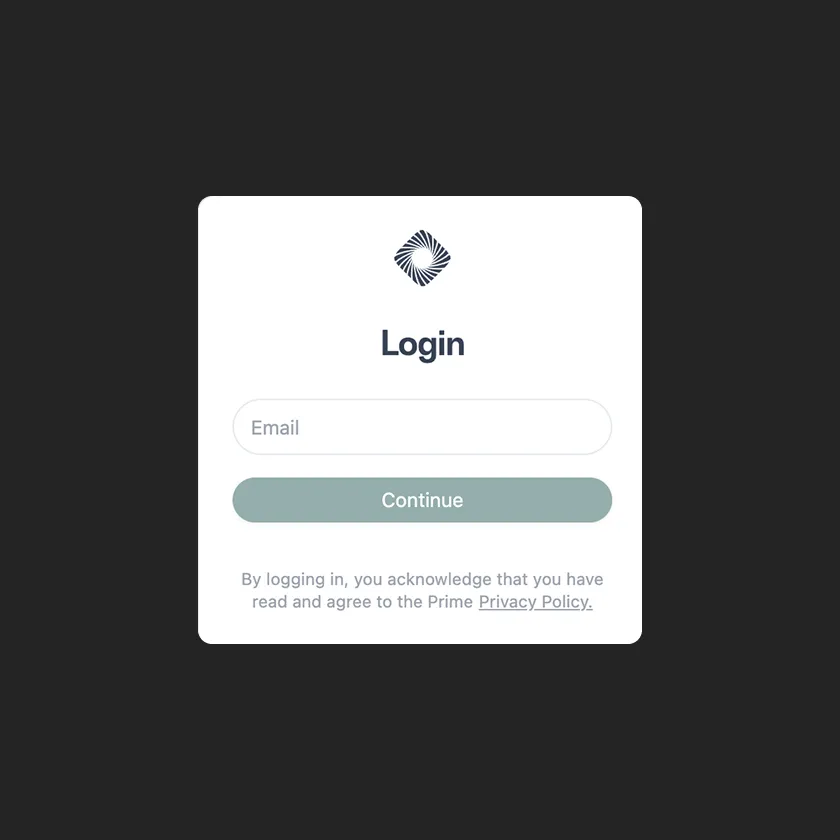
Sign in to Prime
Connect to Jira, Confluence, GitHub, Azure DevOps, and Linear. Prime uses the planning work your teams already do.
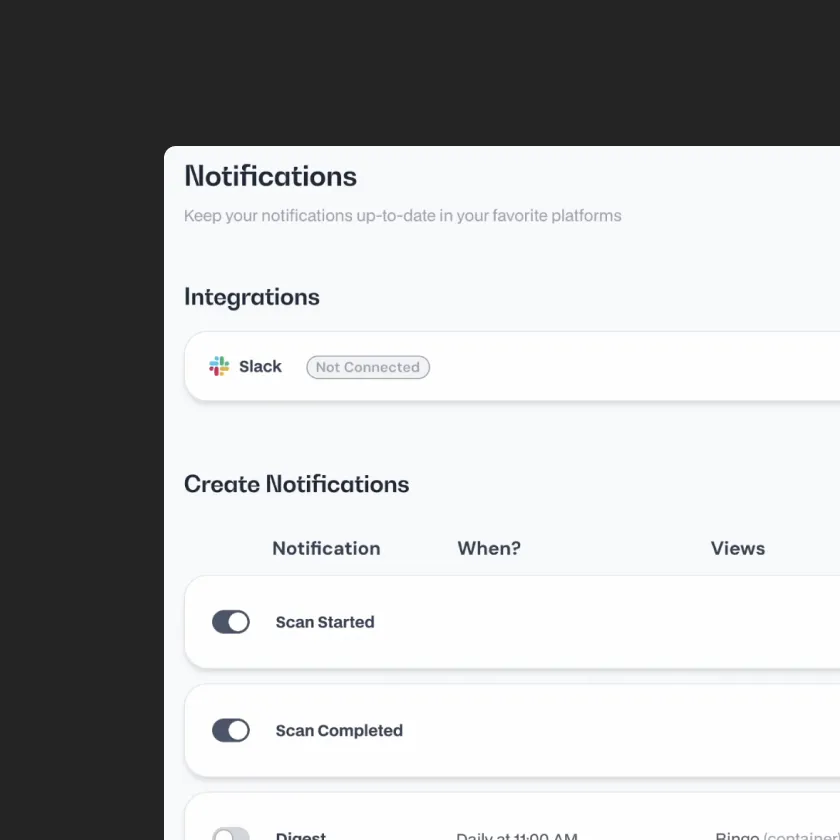
Settings & Notifications
Navigate to the 'Settings' panel and select 'Notifications' from the sidebar.
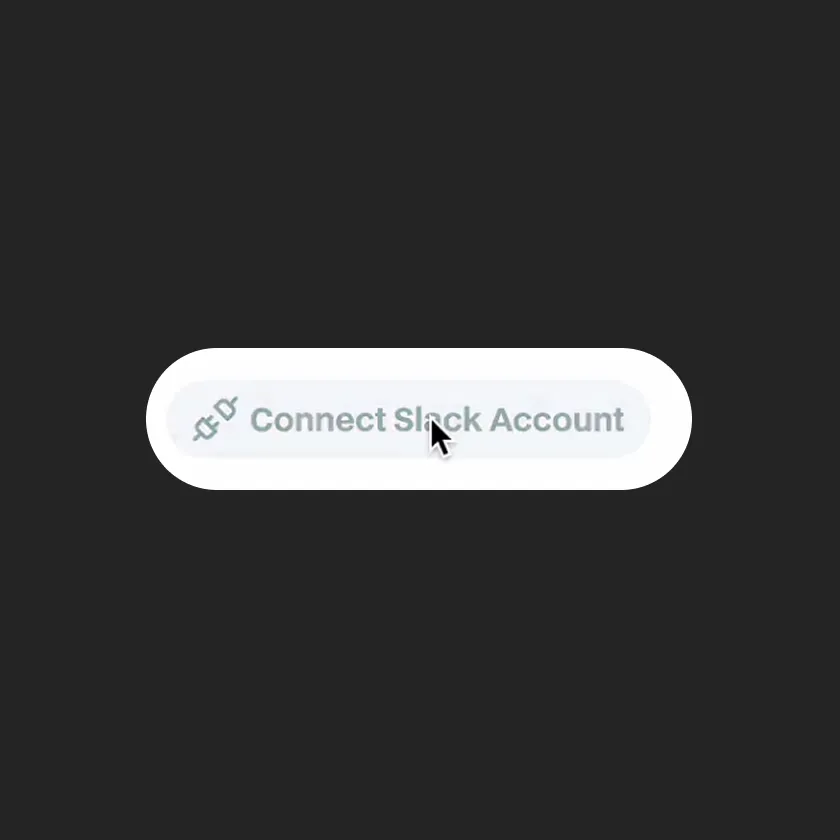
Connect to Slack
Click 'Connect Slack' and follow the secure prompt to authorize the Prime application.
The app uses LLMs, which may generate inaccurate responses.